
Technical SEO
The 2026 Technical SEO Audit Checklist: 25 Checks Every Website Needs Before It Can Rank
Technical SEO issues are the silent rank killers. A site can have excellent content, strong backlinks, and a good product, and still fail to rank because Google cannot crawl it properly, pages are loading in 8...
Technical SEO issues are the silent rank killers. A site can have excellent content, strong backlinks, and a good product, and still fail to rank because Google cannot crawl it properly, pages are loading in 8 seconds on mobile, or canonical tags are pointing in the wrong direction.
This checklist covers the 25 technical SEO checks that matter most in 2026. Each one is something Crawler Que's audit modules check automatically, but understanding what each check is and why it matters helps you prioritize fixes with your development team effectively.
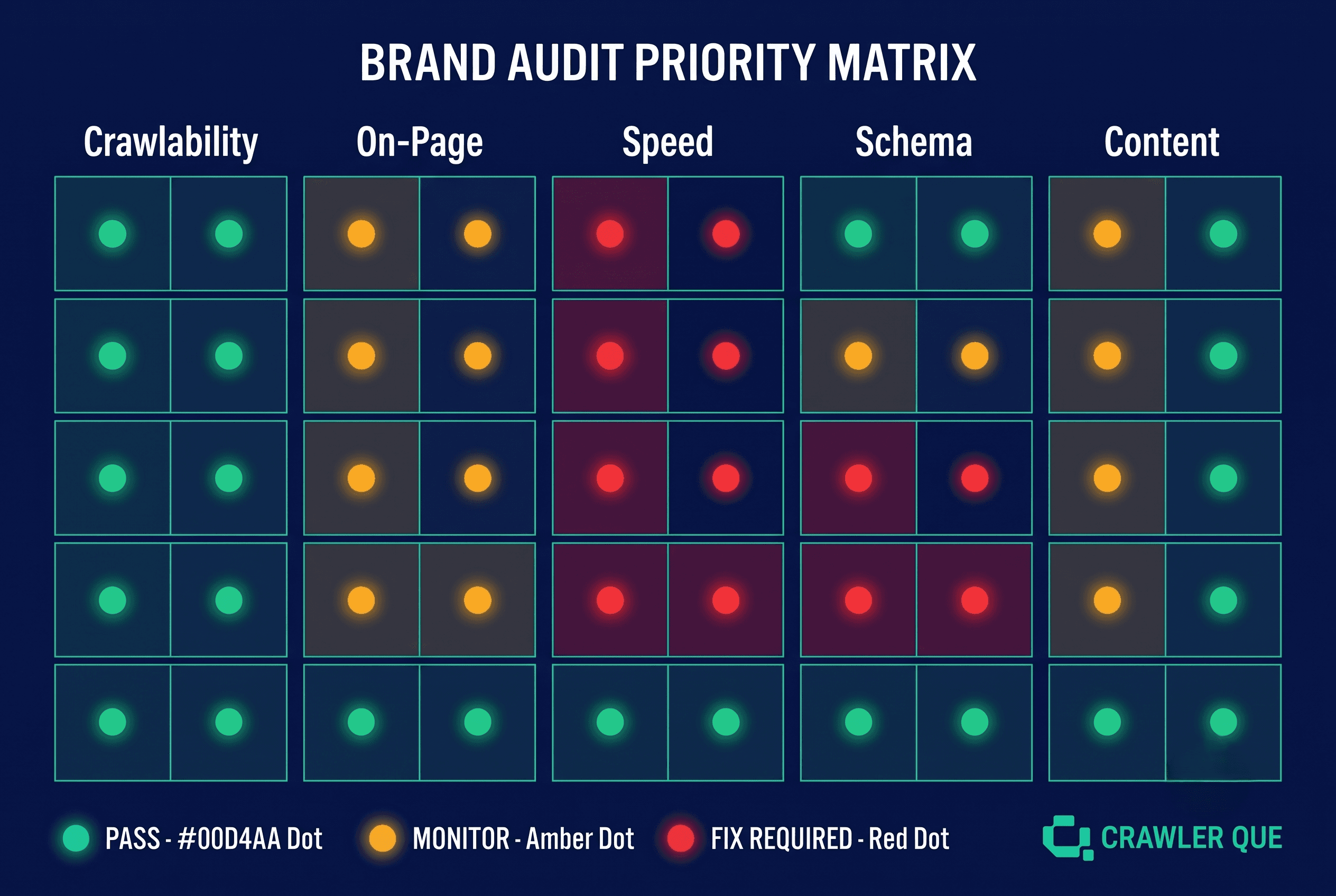
How to use this list: Work through each section in order. Crawlability and indexation issues should always be fixed first, there is no point optimizing content that search engines cannot reach. Then address speed, then on-page signals, then structured data.
Section 1: Crawlability & Indexation (Checks 1–6)
1. robots.txt is present and correctly configured HIGH
Every site needs a robots.txt at the domain root. It should allow crawlers access to all indexable content and block internal paths (login, dashboard, API routes). Missing or misconfigured robots.txt is one of the most common causes of indexation problems, and of AI crawlers being blocked.
2. XML sitemap exists and is submitted HIGH
A sitemap.xml tells search engines which pages exist and when they were last updated. It should be referenced in robots.txt and submitted to Google Search Console and Bing Webmaster Tools. Without a sitemap, new pages rely entirely on internal links for discovery.
3. All key pages are indexable HIGH
Check that important pages do not carry a noindex meta tag accidentally. This is a common issue after site migrations or staging environment configurations that were not fully reverted.
4. No broken internal links (404s) HIGH
Broken internal links waste crawl budget and create dead ends for users. A site with multiple 404s on navigational pages signals poor maintenance to Google's quality systems.
5. Redirect chains are short (max 2 hops) MEDIUM
Each redirect in a chain loses a small amount of link equity and adds latency. Redirect chains longer than two hops should be collapsed to direct redirects where possible.
6. HTTP/HTTPS redirect is correctly configured HIGH
All HTTP versions of pages should 301 redirect to HTTPS. All www variations should resolve consistently to the canonical version (either www or non-www, not both).
Section 2: On-Page Structure (Checks 7–13)
7. Every page has a unique, keyword-targeted title tag HIGH
Title tags should be 50–60 characters, contain the primary target keyword, and be unique across all pages. Duplicate title tags are one of the most common technical SEO issues on multi-page sites.
8. Every page has a unique meta description (150–158 chars) HIGH
While not a direct ranking signal, unique meta descriptions improve click-through rates from SERPs. The same meta description on every page signals a low-effort site to Google's quality systems.
9. Each page has exactly one H1 MEDIUM
Multiple H1 tags on a single page weaken the heading signal. No H1 means the page has no declared primary topic. Each page should have one H1 that matches or is closely related to the title tag.
10. Canonical tags are set correctly HIGH
Self-referencing canonical tags should be present on every page. For paginated content or URL parameter variations, canonical tags should point to the preferred version to consolidate link equity.
11. All images have descriptive alt text MEDIUM
Alt text helps search engines understand image content and improves accessibility. Decorative images should use empty alt attributes (alt=""). Content images should use descriptive text that includes relevant keywords naturally.
12. URL structure is clean and descriptive LOW
URLs should be readable, use hyphens not underscores, and reflect the page content. Avoid parameters in URLs for key pages where possible.
13. Internal linking connects key pages logically MEDIUM
Every important page should receive at least one internal link from a related page. Orphan pages, pages with no inbound internal links, do not receive link equity and are harder to discover by crawlers.
Section 3: Page Speed & Core Web Vitals (Checks 14–18)
14. LCP under 2.5 seconds on mobile HIGH
Largest Contentful Paint on mobile. This is typically the hero image. If it is failing, image compression, CDN delivery, and lazy-load configuration are the first places to look.
15. CLS under 0.1 on all key pages HIGH
Cumulative Layout Shift. Images without explicit dimensions and dynamically injected content (ads, cookie banners) are the most common causes. Add width/height to all img tags.
16. FCP under 1.8 seconds MEDIUM
First Contentful Paint. Render-blocking scripts in the page head are the most common cause of poor FCP. Use defer or async attributes on non-critical JavaScript.
17. Images are compressed and in modern format HIGH
Uncompressed PNG or JPEG images are the single most common cause of poor page speed on small business sites. Convert to WebP, set maximum dimensions, and compress to under 100KB for most images.
18. TTFB (server response time) under 200ms MEDIUM
Time to First Byte is a server performance metric. If it exceeds 400ms consistently, investigate hosting quality, server-side caching, and CDN configuration.
Section 4: Structured Data & AI Signals (Checks 19–22)
19. Organization schema on homepage HIGH
JSON-LD Organization schema tells search engines and AI models your brand name, URL, description, logo, and social profiles as structured data. Missing this schema is the most common GEO readiness failure.
20. FAQPage schema on pages with Q&A content HIGH
FAQPage schema enables featured snippets and helps AI models extract your content as structured answers. Any page with a FAQ section should have this schema implemented.
21. AI crawlers are permitted in robots.txt HIGH
GPTBot, ClaudeBot, PerplexityBot, Google-Extended, and meta-externalagent should all be explicitly allowed in robots.txt. Blocking AI crawlers (intentionally or by accident) removes you from AI training data and real-time retrieval.
22. Open Graph and Twitter Card tags are present MEDIUM
OG tags control how your pages appear when shared on LinkedIn, Slack, and Twitter/X. Missing OG tags result in unbranded, unattractive link previews, a lost brand impression every time someone shares your content.
Section 5: Content Quality Signals (Checks 23–25)
23. No pages with thin content (under 300 words) are indexed MEDIUM
Thin content pages, particularly solution or feature pages with fewer than 300 words, which dilute site quality signals. Either expand them meaningfully or set them to noindex until they are built out.
24. No placeholder or lorem ipsum text is live on any page HIGH
Placeholder text being indexed as real content is a direct quality signal failure. Check all published pages, particularly those recently launched or built from templates.
25. Blog section has published content HIGH
A blog section linked from the main navigation that contains no published posts, or only "Coming Soon" placeholder articles, sends a negative quality signal and provides no topical authority benefit until content is live.
How to Run All 25 Checks Automatically
Running this checklist manually across a single site takes several hours and requires access to multiple tools: Google Search Console, PageSpeed Insights, a crawler, and a structured data validator. For agencies auditing multiple sites per month, that time multiplies quickly.
Crawler Que automates the majority of these checks in a single audit run. The technical SEO module covers crawlability, metadata, on-page structure, and broken links. The Core Web Vitals module covers speed checks 14–18. The AI Search Visibility module covers schema and AI crawler signals. The full audit runs in under two minutes and produces a prioritized report with specific fixes, no manual assembly required.
The free audit (no signup) covers a subset of checks. All 25 are covered across the full eight modules on any paid plan, with a 7-day free trial available on all tiers.
All audit modules → See a sample audit report → Start free audit — no signup →
Run all 25 checks automatically, free audit, no signup
Enter any URL. Crawler Que runs 8 modules covering technical SEO, speed, AI visibility, competitors, and backlinks. Results in under 2 minutes.
Run free audit now →
Want to audit your website?
Run a Crawler Que audit to check SEO, Core Web Vitals, traffic signals, competitors, backlinks, recommendations, and AI search visibility.
Run website audit